
Restricted Person Detection
Matching against a restricted list your organisation maintains, flagging a match as they move through a public space while everyone around them stays unidentified.
See the Demo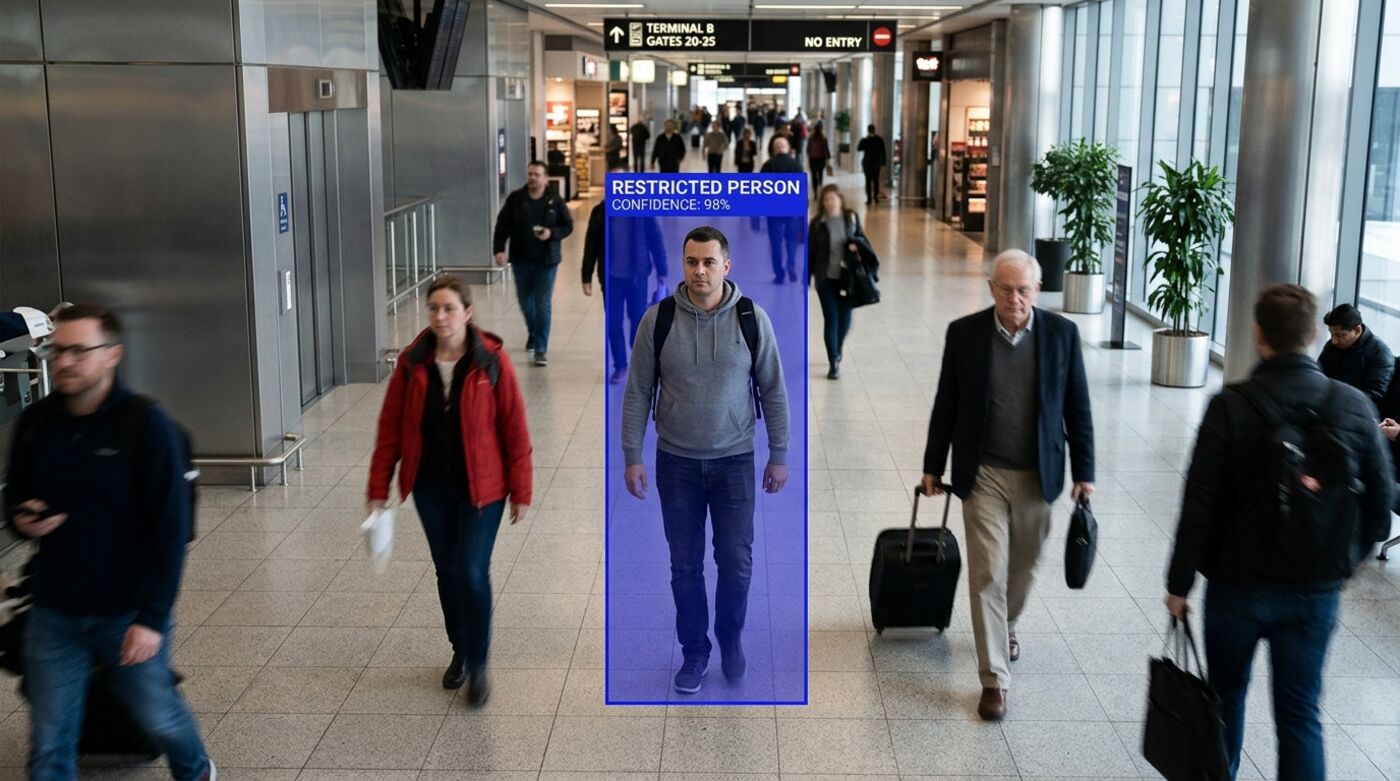
What it does
A list you control
This capability operates only against a list your organisation maintains, under your own policy. There is no shared database, no external matching service and no identity held for anyone not on that list. People who are not on the list are not identified, matched or recorded as individuals.
What a match produces
A match names the camera, the terminal or area, and the direction of travel, and reaches the security desk with the frame that matched attached. That last part matters: a human confirms the match before anyone acts on it, which is the only responsible way to run this.
Auditability is not optional
Every match and every change to the list is recorded, including who added an entry and when. A capability like this is only defensible if its use can be reviewed, and that review needs a record that was created automatically rather than maintained by the people being reviewed.
Where we will not deploy it
Lawful basis, notice to the people in the space, and internal oversight are deployment prerequisites, not paperwork to be sorted out later. We will not configure restricted person detection for an organisation that cannot show those, and we would rather lose the work than ship this one carelessly.
At a glance
- Matches
- Against your own controlled list only
- Non matches
- Not identified or retained
- Review
- Human confirmation before action
- Audit
- Every match and list change recorded
- Match Against the list your organisation maintains
- Locate Camera, terminal and direction of travel
- Alert Security desk, with the frame that matched
- Audit Every match and every list change recorded
Operates only against a list you control, under your own policy and retention rules. Lawful basis, notice and oversight are a deployment decision, and we will not configure it without them.
Questions
Is everyone in the space scanned?
Frames are processed to look for matches against your list, but no identity is created or retained for anyone who is not on it. The output is a match or nothing.
Who can add someone to the list?
Whoever your policy authorises, and every addition is recorded against the person who made it. We configure the permissions; you own the policy that governs them.
What legal basis do we need?
That depends on your jurisdiction and the nature of the space, and it is a question for your own counsel and data protection officer. We will ask to see that it has been addressed before deployment, because a capability like this should not be switched on casually.
Most often deployed in
See it on your own cameras
Bring your existing CCTV. We will assess what your angles can actually support and show you the detections running on your own footage.